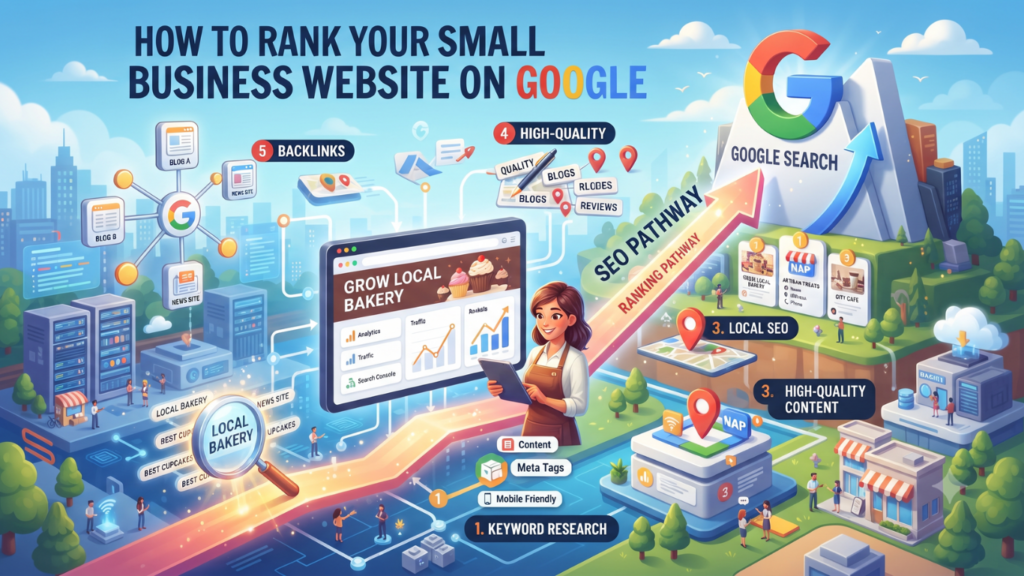
How to Rank Your Small Business Website on Google
A Simple Guide for Beginners If you own a small business, having a website is a great first step toward growing your business online. But what if your website is not appearing on Google when potential customers search for your products or services? You may have a beautiful website, useful products, and good services, but if people cannot find you online, you could miss many opportunities. The good news is that you do not need a huge budget to improve your website’s Google rankings. With the right SEO strategies, useful content, and regular effort, you can help more people discover your business online. If you want to learn more about affordable online growth strategies, explore more helpful articles on Snowolive, where small business owners can learn about digital marketing, website design, and online business growth. In this guide, we will explain how to rank your small business website on Google in simple language, even if you are a complete beginner. 1. Understand What SEO Means SEO stands for Search Engine Optimization. It is the process of improving your website so that search engines like Google can understand your content and show your pages to people searching for relevant information. For example, imagine you own a digital marketing agency in Delhi. Someone searches on Google for “digital marketing services for small businesses in Delhi.” If your website provides relevant information and follows good SEO practices, it may have a chance to appear in the search results. SEO does not guarantee the first position on Google. However, it can help you attract relevant visitors without paying for every click. 2. Find the Right Keywords for Your Business Keywords are the words and phrases people type into Google when they are looking for something. Choosing the right keywords is one of the first steps in SEO. Instead of guessing what your customers search for, try to understand their needs. For example, if you run a clothing store, your keywords might include: If you provide services, you could target keywords such as “website designing for small businesses” or “SEO services in Delhi.” How to find keywords for free: Choose keywords that match your products or services and what your customers actually want to find. Do not select a keyword only because it looks popular. 3. Create Helpful and Original Content Google wants to provide useful results to people. That means your website should answer visitors’ questions instead of simply repeating keywords. Suppose you sell skincare products. Instead of publishing only product pages, you could write helpful articles such as: These articles can help potential customers discover your website while searching for answers. When writing blog posts, explain the topic in simple language, use real examples, and share information that readers can apply. Avoid copying articles from other websites or publishing content just to increase the number of pages on your site. Tip: Before writing a blog post, ask yourself, “What problem will this article solve for my reader?” If you can answer that question clearly, you have a good starting point. 4. Optimize Your Website Pages for SEO On-page SEO means improving the content and important elements of your website pages so that visitors and search engines can understand them easily. Here are some simple changes you can make. Write a clear SEO title Your SEO title tells people what your page is about. It may appear as the clickable headline in Google search results. For example: Try to make every important page title clear, relevant, and different from the titles of your other pages. Add a useful meta description A meta description is a short summary that may appear below your page title in search results. It helps people understand what they can expect from your page. Example: “Looking for affordable website design? Discover how a professional website can help your small business attract customers and grow online.” Write a natural description that explains the page’s value. Google may choose different text from your page for the search snippet, so your description is not guaranteed to appear exactly as written. Use headings properly Headings divide your content into smaller, easy-to-read sections. Use one clear main heading, followed by relevant subheadings. For example: Include keywords naturally where they make sense. Repeating the same phrase in every heading can make your article difficult to read. Create simple URLs A short, descriptive URL helps visitors understand the topic of your page. For example: Keep URLs readable and avoid changing existing URLs unnecessarily, especially if those pages already receive traffic. 5. Make Your Website Mobile-Friendly Many people search for products and services using their mobile phones. If your website is difficult to use on a small screen, visitors may leave without contacting you. Check whether your website: You can test your website on your own phone and use Google’s PageSpeed Insights to check loading performance and identify possible improvements. Remember, a good mobile experience is about more than just fitting the page onto a smaller screen. Visitors should be able to find information and take action without difficulty. 6. Improve Your Website Loading Speed Imagine a customer visits your website to check your services, but the page takes too long to load. They may leave and choose another business. A slow website can create a poor user experience, so it is worth checking your website’s performance. Here are a few ways to improve loading speed: If you use WordPress and Elementor, pay particular attention to image sizes, unnecessary widgets, and plugins you no longer need. You do not need to make every performance score perfect. Focus on fixing the issues that most affect your visitors. 7. Set Up Google Search Console Google Search Console is a free tool that helps website owners understand how their websites perform in Google Search. It is especially useful if you are trying to improve SEO but do not know whether Google is finding your pages. With Search Console, you can: To get started, visit Google Search Console and add your